
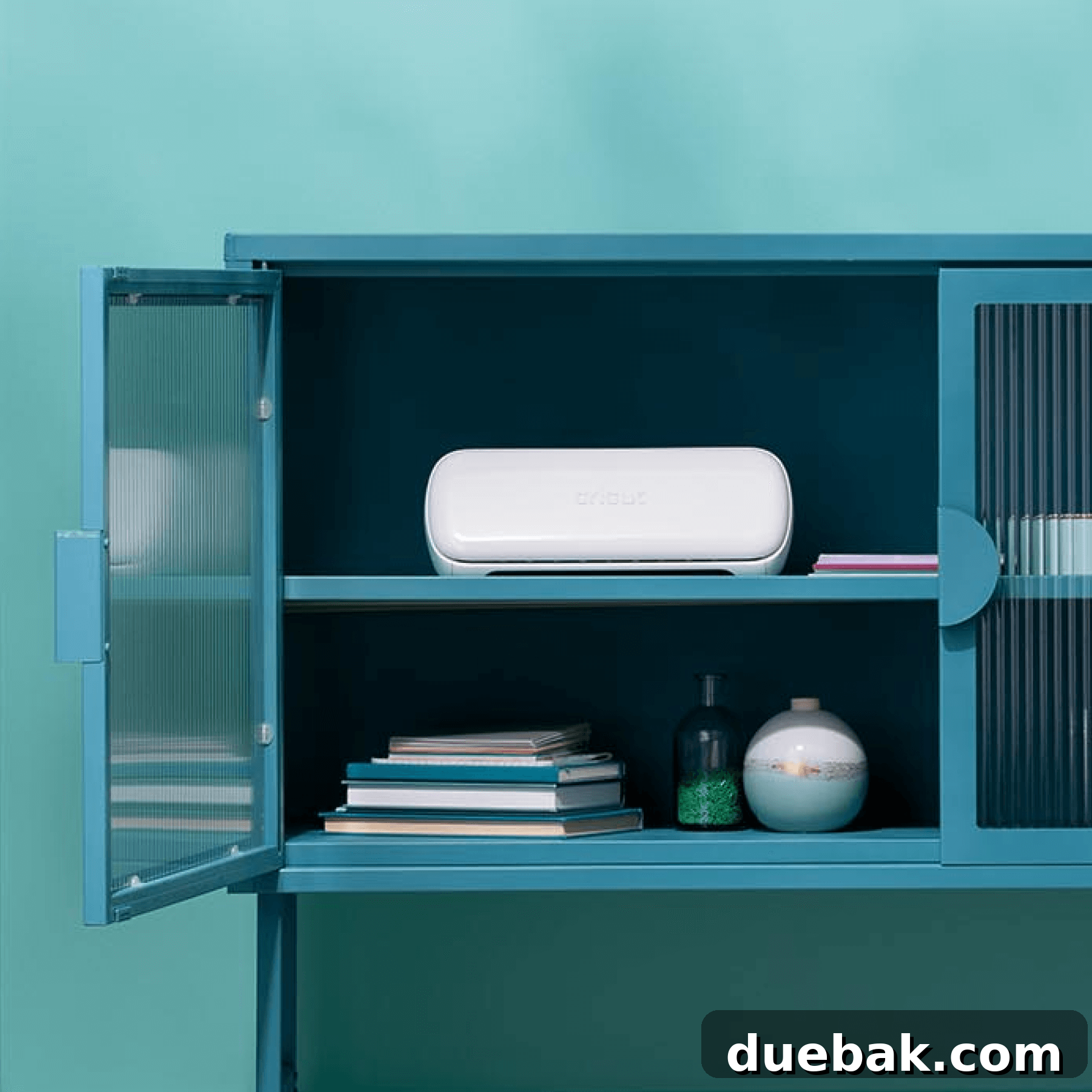
Are you a crafting enthusiast who loves the portability and simplicity of the original Cricut Joy but often found yourself limited by its smaller cutting area? If so, prepare to be introduced to your new crafting companion: the **Cricut Joy Xtra**. This innovative smart cutting machine bridges the gap between the compact convenience of the Joy and the broader capabilities of its larger siblings, offering an expanded workspace without sacrificing ease of use. It’s designed to unleash a new world of creative possibilities, especially for sticker makers and anyone looking to tackle projects on standard-sized materials.
Upon its recent release, the Cricut Joy Xtra quickly captured the attention of the crafting community, sparking questions about its unique features and where it fits within the diverse Cricut machine family. Is this the ultimate cutting machine for your specific crafting needs? Today, we embark on a comprehensive deep dive into this small yet mighty device, exploring its functionalities, capabilities, and why it might just be the perfect addition to your creative toolkit. Whether you’re an experienced crafter or just beginning your DIY journey, understanding the nuances of the Joy Xtra will help you determine if it’s the right choice for bringing your crafting visions to life.
As a long-time admirer and avid user of Cricut products, my craft room is home to a wide array of their machines and tools. I regularly utilize them to create personalized gifts, home decor, and various DIY projects for friends and family. When the Cricut Joy Xtra was unveiled, my curiosity was immediately piqued. I was eager to understand what set it apart from its predecessors and how its enhanced features could benefit crafters. This detailed review is my way of sharing those insights, hoping to clarify any questions you might have and guide you in making an informed decision about this exciting new smart cutting machine.
For those interested in exploring the broader Cricut ecosystem, you can find my in-depth reviews on other popular models. Discover the intricate capabilities of the Cricut Maker, explore the versatile functionalities of the Cricut Explore Air 2, or revisit the charm and simplicity of the original Cricut Joy. Each machine offers unique advantages, and understanding their differences is key to choosing the best one for your crafting adventures.
Unveiling the Cricut Joy Xtra: Features, Capabilities, and Unboxing Experience
The Cricut Joy Xtra marks a significant evolution in compact smart cutting machines, offering an enhanced experience for crafters who desire more versatility without sacrificing the signature ease of use. This section will delve into everything you need to know about the Cricut Joy Xtra, from what you’ll find inside the box to its groundbreaking features that set it apart.
What’s Inside the Box? Your First Steps with the Cricut Joy Xtra
Unboxing a new Cricut machine is always an exciting experience, and the Cricut Joy Xtra does not disappoint. Your new machine comes thoughtfully packaged with everything necessary to embark on your initial crafting journey. Inside the box, you’ll discover the Cricut Joy Xtra smart cutting machine itself, accompanied by a genuine Cricut Joy pen, essential power cords for operation, and a convenient mini weeding tool. Additionally, an envelope containing all the materials and step-by-step instructions for your very first project ensures a smooth and welcoming introduction to the machine’s capabilities.
One detail worth noting from my unboxing experience was the absence of a cutting mat. While the machine is adept at using Smart Materials without a mat, many projects still require one. Therefore, I highly recommend considering a bundle package when purchasing your Joy Xtra. These bundles often provide exceptional value, including a variety of materials and essential accessories, such as cutting mats, to kickstart your creative endeavors right away.
Staying true to the user-friendly philosophy of the original Cricut Joy, the Xtra model retains its simple, single-button operation. This intuitive design makes it incredibly accessible for beginners, ensuring that even those new to smart cutting machines can confidently create impressive projects. The effortless interface is a testament to Cricut’s commitment to making crafting enjoyable and approachable for everyone.
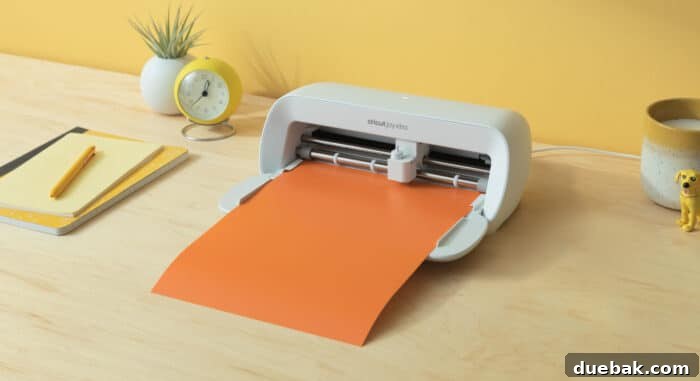
The original Joy machine was celebrated for its compact size, allowing crafters to create in even the smallest of spaces. However, a common wish was for it to accommodate standard 8.5 x 11-inch paper, especially for popular projects like custom stickers. This is precisely where the new Cricut Joy Xtra shines, embodying the “Goldilocks” principle among Cricut machines – it’s “just right.” Its expanded cutting width of up to 8.5 inches perfectly fits standard paper sizes, unlocking a plethora of new project possibilities, particularly in the realm of Print Then Cut applications.
Essential Tools for Your Cricut Joy Xtra
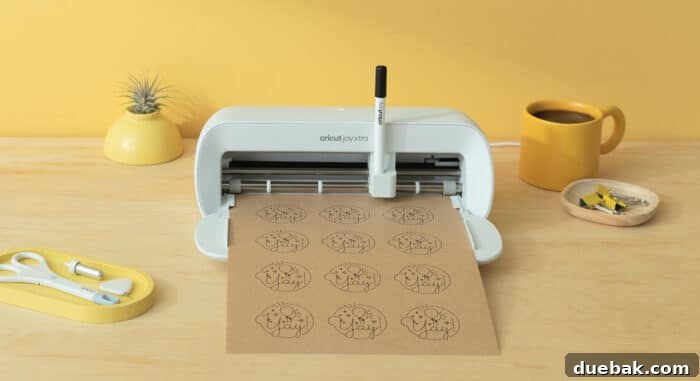
The Cricut Joy Xtra boasts compatibility with the same specialized tools designed for the original Cricut Joy, ensuring a seamless transition for existing Joy users and simplifying the tool acquisition process for newcomers. These essential tools include the precise Cricut Joy Fine-Point Blade and Housing, perfect for intricate cuts on a wide range of materials. For adding elegant metallic accents to your projects, the Cricut Joy Foil Transfer Tool is indispensable. Furthermore, the extensive collection of Cricut Joy Pens and Markers allows for beautiful drawing and writing elements, transforming your designs with personalized touches. These tools are specifically engineered for the Joy line, guaranteeing optimal performance and dazzling results.
Cricut Joy Xtra Cutting Mats: The Foundation for Flawless Cuts
While the Cricut Joy Xtra offers the convenience of cutting Smart Materials without a mat, traditional mat-based cutting remains crucial for many projects. Three distinct cutting mats are specifically designed to work with the Cricut Joy Xtra, each catering to different material types and adhesion needs. These include the Cricut Joy Xtra™ Standard Grip Machine Mat, ideal for a broad spectrum of medium-weight materials like cardstock and adhesive vinyl. For more delicate items such as copy paper, light cardstock, or vellum, the Cricut Joy Xtra™ Light Grip Machine Mat provides the perfect adhesive strength. Lastly, the innovative Cricut Joy Xtra™ Card Mat, 4.7 in x 6.6 in, revolutionizes card making, allowing you to create stunning insert cards with unmatched ease and precision. All these mats are sold separately, allowing you to customize your toolkit based on your project preferences.
As a notable feature, the Cricut Joy Xtra retains the ability to cut Smart Materials directly, without the need for a cutting mat. This is particularly advantageous for longer, repetitive cuts, offering efficiency and simplifying the crafting process for projects like banners or continuous labels.
Discover the Materials the New Cricut Joy Xtra Can Cut
The Cricut Joy Xtra truly shines in its expanded material compatibility, particularly with its support for Print Then Cut functionality on standard 8.5 x 11-inch sheets. This feature is a game-changer for creating professional-looking custom stickers, labels, and iron-on designs. The machine is optimized to work seamlessly with smart materials specifically designed for the Joy Xtra, ensuring perfect cuts every time. Among its most celebrated capabilities is its excellence with Print Then Cut, unlocking new possibilities with the introduction of innovative printable materials like the new printable sticker paper.
The versatility of the Cricut Joy Xtra extends to a wide array of other creative mediums. New products that integrate beautifully with this tool include printable iron-on, allowing you to customize apparel and fabric items with intricate, full-color designs. This opens up avenues for personalized t-shirts, tote bags, and more, all from the comfort of your home.
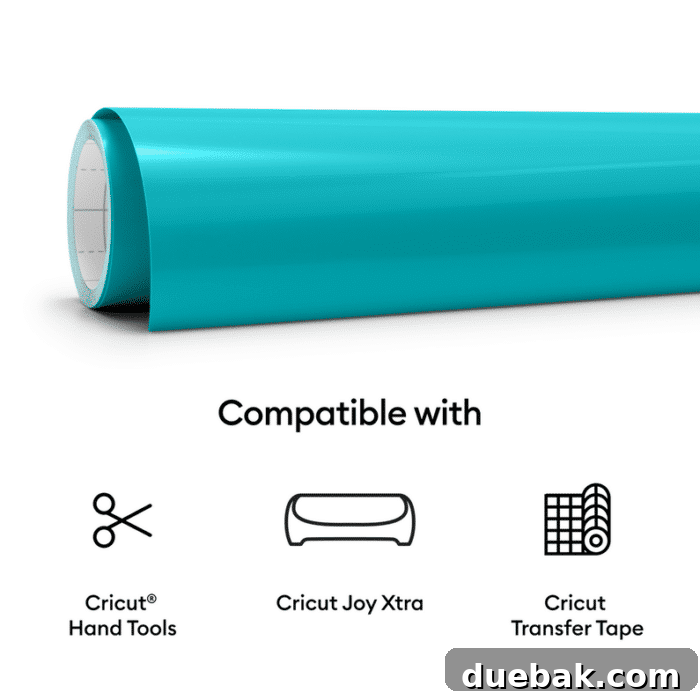
The diverse range of materials that can be precisely cut by the Cricut Joy Xtra includes:
- Smart Vinyl: Perfect for creating durable decals, labels, and decorative accents without a cutting mat.
- Iron-On Vinyl (HTV): Ideal for personalizing fabric items like t-shirts, bags, and hats with custom designs.
- Printable Vinyl: Enables you to print your designs on vinyl and then precisely cut them for unique stickers and labels.
- Printable Waterproof Sticker Paper: Essential for creating durable, water-resistant stickers for bottles, laptops, and outdoor use.
- Printable Waterproof Holographic Sticker Paper: Adds a mesmerizing iridescent effect to your custom stickers, perfect for eye-catching designs.
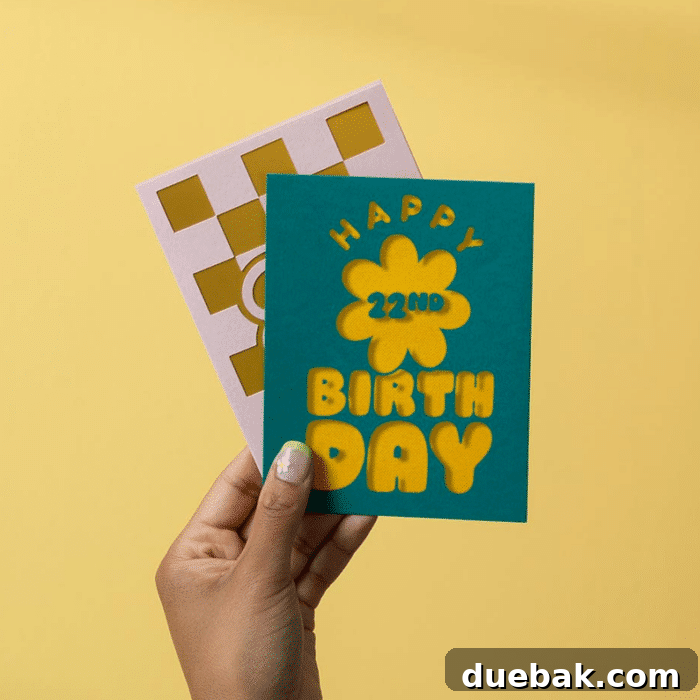
- Insert Cards on the Card Mat: Specialized functionality for creating intricate, personalized greeting cards in minutes.
Is the Cricut Joy Xtra Truly Easy to Use? A Beginner’s Perspective
One of the most appealing aspects of all Cricut products, and certainly the Cricut Joy Xtra, is their remarkable ease of use. From the moment you unbox the machine, Cricut goes to great lengths to ensure a smooth and unintimidating crafting experience. Comprehensive step-by-step instructions guide you through setup and your first project. A rich library of video tutorials offers visual learning, and a robust support system is readily available to answer any questions you might encounter. Beyond conventional crafting, Cricut users often discover unique applications for their machines, such as using the Cricut for tying fishing flies – a testament to the versatility and intuitive nature of these smart tools.
The machine connects wirelessly via Bluetooth to the intuitive Cricut Design Space software on your computer or mobile device. This user-friendly interface allows you to select projects, customize designs, and send them to your Joy Xtra with just a few clicks. The simplicity of operation, combined with extensive support resources, makes the Cricut Joy Xtra an excellent choice for crafters of all skill levels, especially those taking their first steps into the world of smart cutting.
The Cost of Creativity: Understanding Cricut Joy Xtra Expenses
Beyond the initial investment in the Cricut Joy Xtra machine itself, the ongoing costs primarily revolve around consumable materials and occasional accessory replacements. Your crafting journey will require a continuous supply of various materials such as vinyl, iron-on vinyl, cardstock, or specialty sticker paper. These materials are the fuel for your creativity, allowing you to transform raw ideas into tangible projects. Eventually, you will also need to replace cutting mats, which lose their stickiness over time, and blades, which dull after extensive use. Savvy crafters, however, know that there are effective ways to prolong the life of these consumables. For many, including myself, these replacements often become a once-a-year purchase, especially if you keep an eye out for sales and promotions to maximize your savings.
Is a Cricut Access Subscription Necessary? Weighing Your Options
The question of whether a subscription is required is common among prospective Cricut users. The straightforward answer is no, a subscription to Cricut Access is not mandatory to operate your Cricut Joy Xtra. You can absolutely use the machine with your own uploaded designs or a selection of free projects and images available in Cricut Design Space. However, many crafters find immense value in opting for the Cricut Access membership, and you might too!
Cricut Access operates much like a streaming service such as Netflix. For a monthly or annual subscription fee, you gain unlimited access to an expansive, ever-growing library of thousands of images, fonts, and ready-to-make projects. This vast resource can be a goldmine for inspiration and convenience, allowing you to explore diverse design styles and execute projects instantly. As long as your membership is active, you can utilize any of these exclusive assets. Should your membership lapse, these specific images and projects will no longer be available for use until you renew, though any projects you’ve completed will remain yours. For frequent crafters who love variety and convenience, Cricut Access is a highly recommended enhancement to the crafting experience.
Unleash Your Unique Style: Using Your Own Designs with Cricut Joy Xtra
One of the most liberating features of the Cricut ecosystem, and a personal favorite of mine, is the complete freedom to use your own custom designs. The Cricut Joy Xtra, powered by Cricut Design Space, fully supports this creative autonomy. You can effortlessly upload various file formats, including SVG, PNG, and JPG, directly into the Design Space program. For absolute beginners, I highly recommend starting with PNG or SVG files. PNG files are excellent for designs that require transparent backgrounds, while SVG (Scalable Vector Graphics) files are ideal because they retain crisp lines and can be scaled to any size without losing resolution, making them perfect for precise cuts. These types of files are widely available online, often for free or at a low cost, providing a convenient starting point for personalized projects.
More Frequently Asked Questions About the Cricut Joy Xtra
Here are answers to some of the most common questions crafters have about the Cricut Joy Xtra, providing clarity on its specifications and how it compares to other machines.
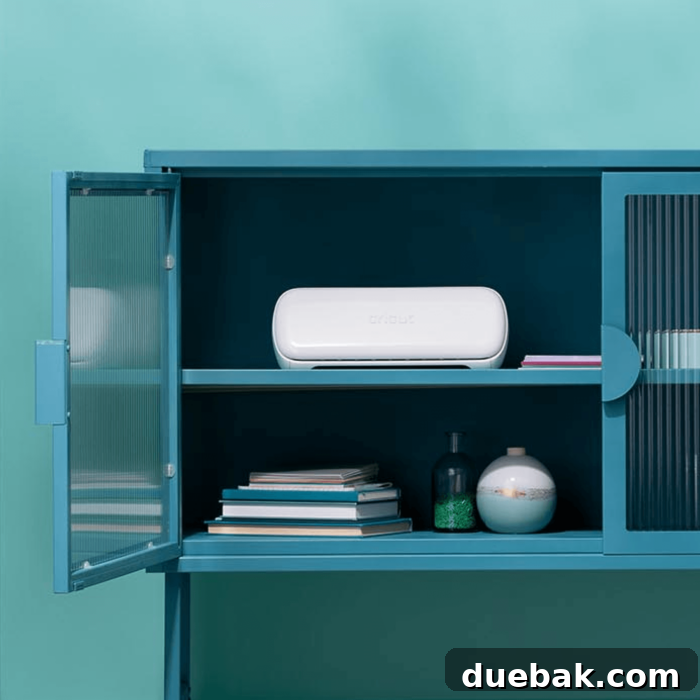
The Cricut Joy Xtra is designed for portability and efficient use of space. It weighs approximately 6.03 pounds (2.73 kg). Its overall dimensions are 12.48 inches wide, 4.46 inches long, and 5.87 inches high (31.71 cm x 11.32 cm x 14.91 cm). This compact footprint allows it to fit comfortably in smaller crafting areas, while still offering a substantial cutting width.
The primary difference lies in the cutting capabilities and features. The Cricut Joy Xtra significantly expands the cutting area, allowing it to cut up to 8.5 inches wide – perfect for standard US letter-sized materials. More importantly, the Joy Xtra introduces the coveted Print Then Cut feature, a functionality not available on the original Cricut Joy. This enables crafters to print designs on their home printer and then have the Joy Xtra precisely cut around them, opening up a world of possibilities for custom stickers, labels, and more.
Yes, there is excellent compatibility between the Joy and Joy Xtra. The blades, tools (like the foil transfer tool), and pens/markers are interchangeable and work seamlessly with both machines. However, the cutting mats are specifically sized for each machine due to their different cutting widths. Therefore, you will need to purchase Cricut Joy Xtra-specific mats for the Xtra machine.
The Cricut Joy Xtra package includes the smart cutting machine itself, a pre-installed Blade + Housing, the necessary Power Adapter & Cord, a Cricut Joy Fine Point Pen (0.4 mm) to get you started with drawing, and a Mini Weeder for project cleanup. New subscribers also receive a free trial membership to Cricut Access. The box also contains materials for a practice cut, 50 ready-to-make projects accessible online, bonus materials, a Welcome Card, User Guide & Safety Instructions, and a Warranty document. To get started, you’ll need a compatible computer or mobile device and a high-speed internet connection.
Who is the Cricut Joy Xtra For?
The Cricut Joy Xtra is ideal for a broad spectrum of crafters, from absolute beginners to experienced DIY enthusiasts. Its enhanced capabilities make it particularly appealing to:
- Sticker Enthusiasts: With its Print Then Cut feature and 8.5-inch cutting width, it’s a dream machine for creating custom, professional-quality stickers.
- Small Business Owners: Perfect for producing custom labels, branding materials, and personalized products efficiently.
- Card Makers: The dedicated card mat simplifies the creation of intricate greeting cards for any occasion.
- Compact Crafters: If you love the portability of the original Joy but need more versatility than its smaller cutting area offers, the Xtra is the perfect solution.
- Beginner Crafters: Its user-friendly interface and simple operation make it an excellent entry point into the world of smart cutting machines.
Why Choose the Cricut Joy Xtra?
Choosing the Cricut Joy Xtra means investing in a machine that masterfully balances compactness with expanded functionality. Its ability to handle standard US letter-sized materials opens up a world of project possibilities previously limited to larger, less portable machines. The Print Then Cut feature is a significant upgrade, allowing for vibrant, multi-color designs on materials like printable vinyl and sticker paper. Paired with its unwavering ease of use, wide material compatibility, and access to the intuitive Cricut Design Space, the Joy Xtra empowers you to create custom, personalized items with professional results right from your home. It truly is the “just right” machine for anyone seeking big crafting potential in a conveniently sized package.
Final Thoughts on the Cricut Joy Xtra
In conclusion, the Cricut Joy Xtra represents a fantastic addition to the Cricut family, filling a crucial niche between the ultra-compact Joy and the larger Explore and Maker machines. Its ability to perform Print Then Cut on 8.5 x 11-inch materials, combined with its continued simplicity of operation, makes it an incredibly powerful and versatile tool for hobbyists and small businesses alike. Whether you’re making intricate stickers, personalized cards, or custom iron-on designs, the Joy Xtra provides the precision, ease, and expanded capabilities to elevate your crafting projects. It’s a smart choice for anyone seeking a portable, user-friendly, and highly capable smart cutting machine.