Unlock Your Creativity: Crafting Stunning Custom Art with Cricut Explore Air & Pens
Imagine transforming your home with unique, personalized artwork that perfectly reflects your style – without breaking the bank. With the remarkable Cricut Explore Air, this vision becomes an exciting reality. This versatile machine empowers creators of all skill levels to design and produce custom pieces that add a touch of bespoke elegance to any wall or shelf. While original art pieces can be costly, making your own not only saves money but also injects a deeper sense of personal pride and connection into your home decor. Discover how effortlessly you can create adorable, inspiring, and truly awesome art using the precision and creativity of Cricut pens within your Cricut Explore Air.
The beauty of crafting with Cricut lies in its accessibility and the endless possibilities it offers. Whether you’re aiming for minimalist elegance, whimsical charm, or bold statements, the combination of your imagination and the Cricut Explore Air’s capabilities makes intricate drawing and detailed designs astonishingly simple. Let’s dive into the essential tools and straightforward steps you’ll need to embark on your journey of creating captivating custom art for your living space.
Essential Materials for Your Cricut Pen Art Project
Before you begin designing your next masterpiece, ensure you have all the necessary supplies at hand. Gathering your materials beforehand streamlines the creative process, allowing you to focus purely on the artistic endeavor.
- Cricut Explore Air: The heart of your custom art studio, capable of both cutting and drawing with precision.
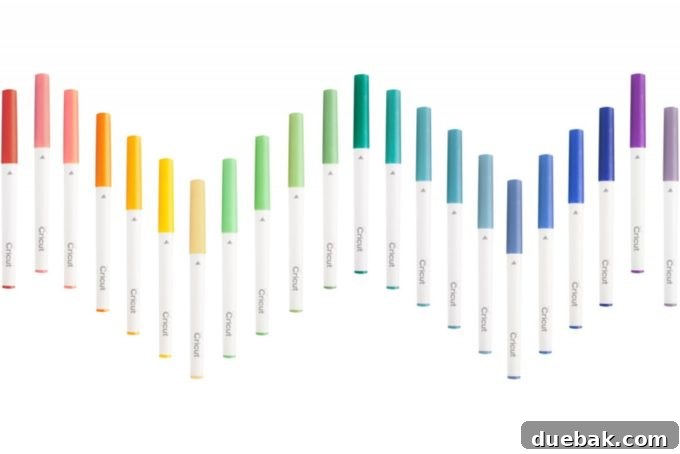
- Cricut Pens: Available in a dazzling array of colors, tip sizes (fine, medium, gel, glitter, calligraphy), and effects (metallic, neon). Choosing the right pen is crucial for achieving your desired aesthetic.
- Cardstock: Your canvas. Opt for various colors and textures to complement your design. Heavier weights (65lb or more) are generally recommended for drawing as they resist warping and bleeding better than standard printer paper.
- Cricut StandardGrip Cutting Mat: Essential for securely holding your cardstock in place during the drawing process.
- Optional: Frames for displaying your finished artwork, scissors, and adhesive if you plan to layer elements.
Step-by-Step Guide: Creating Your Custom Art
The journey from a blank canvas to a stunning piece of personalized art is both rewarding and surprisingly simple with the Cricut Explore Air. Follow these detailed steps to bring your creative visions to life.
1. Choosing and Refining Your Design in Cricut Design Space
Your creative process begins in Cricut Design Space, the intuitive software interface that controls your machine. This powerful platform offers a vast library of images, fonts, and ready-to-make projects, providing endless inspiration for your custom art. To access it, simply navigate to design.cricut.com on your computer or open the Design Space app on your mobile device.
When selecting an image, consider the nature of drawing with pens. Designs with intricate details and fine lines tend to translate beautifully, creating elegant and sophisticated artwork. You can refine your search within the image library by filtering for “Draw Only” designs or by exploring single-layer images that lend themselves well to pen work. If you have a specific vision, you can also upload your own images or free printables into Design Space. For comprehensive instructions on how to upload your unique designs, refer to this helpful guide. Alternatively, leverage the extensive font library to create stunning text-based designs, from inspirational quotes to custom monograms.
Once you’ve chosen or uploaded your design, it will appear on your canvas in Design Space. Take a moment to assess its suitability for drawing. Complex multi-layered designs might need simplification or careful selection of which layers to draw. Remember, the goal is to create a design that your Cricut pen can accurately replicate, resulting in crisp and clear lines.
2. Sizing Your Artwork and Setting Up for Drawing
Precision is key when preparing your artwork to fit a specific frame or display area. After selecting your design on the Design Space canvas, adjust its size to perfectly match the dimensions of your chosen frame. A helpful trick is to insert a basic rectangle shape onto your canvas and resize it to the exact internal dimensions of your frame. This visual guide allows you to accurately position and scale your artwork, ensuring it will look cohesive and balanced once framed. You can then place your design within this rectangle to visualize the final output.
Once your design is perfectly sized and positioned, you have a couple of options for the guide rectangle. You can simply delete it after ensuring your design fits. Alternatively, you can group the rectangle with your design and change its operation to “Cut.” This allows your Cricut to not only draw your artwork but also cut the cardstock to the precise size needed for your frame, making the framing process even quicker and more seamless.
A CRUCIAL STEP you must not overlook: Double-check that your layer attributes are set to “Write” and not “Cut.” This is paramount for pen drawing. If your design layers are inadvertently set to “Cut,” your Cricut machine will attempt to use its blade instead of the pen, resulting in your cardstock being cut rather than drawn upon. To change the operation, simply select your design layer (or layers) in the Layers panel on the right side of Design Space, then navigate to the “Operation” dropdown menu at the top left and select “Pen” from the “Draw” options. This tells the machine to engage the pen tool and create beautiful drawn lines.
3. Loading Materials and Initiating the Drawing Process
With your design finalized in Design Space, it’s time to prepare your Cricut Explore Air for action. Begin by carefully placing your chosen cardstock onto a StandardGrip cutting mat. Ensure the cardstock is smoothed down thoroughly to avoid any bubbles or wrinkles, which could affect the drawing quality. A firm adhesion to the mat prevents the material from shifting during the drawing process, guaranteeing crisp and accurate lines.
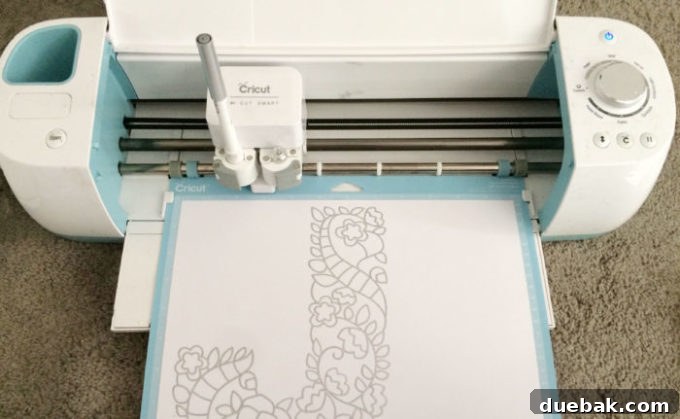
Next, select your desired Cricut pen. Open Clamp A on your Cricut Explore Air’s carriage (the left housing) and gently insert the pen. Make sure to push the pen down firmly until you hear a distinct click, indicating it is securely seated and properly aligned. This secure placement is vital for consistent pen pressure and precise drawing. Once the pen is in place, close Clamp A.
Now, load your prepared cutting mat into the machine by aligning it with the mat guides and pressing the flashing Load/Unload button. The machine will draw the mat in. Finally, press the flashing “Go” button (the Cricut logo button) to initiate the drawing process. It’s truly that easy to bring your custom art to life! Watch as your Cricut Explore Air meticulously draws your design, transforming a blank sheet of cardstock into a unique piece of art.
Exploring Pen Styles and Creative Possibilities
The beauty of Cricut pens lies in their diversity, offering a wide range of effects to suit any artistic vision. Experimenting with different pen types and cardstock colors can dramatically alter the final look and feel of your artwork.
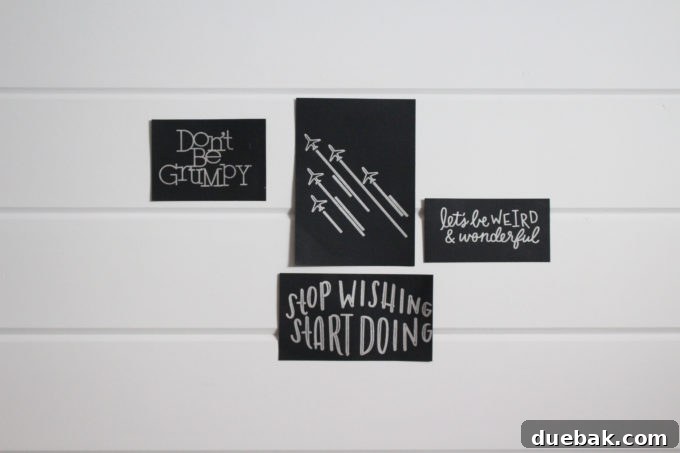
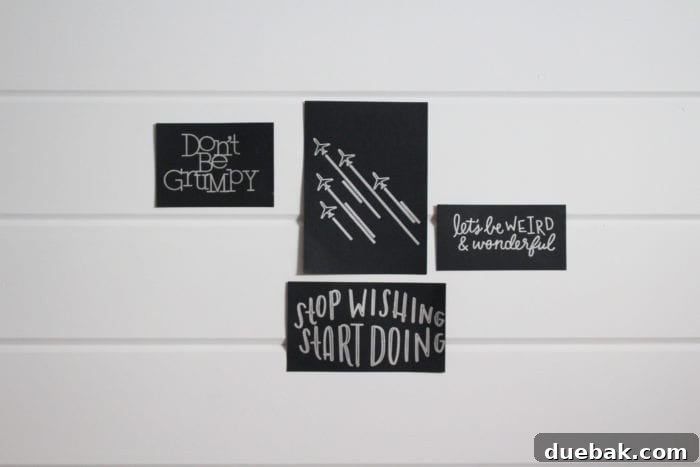
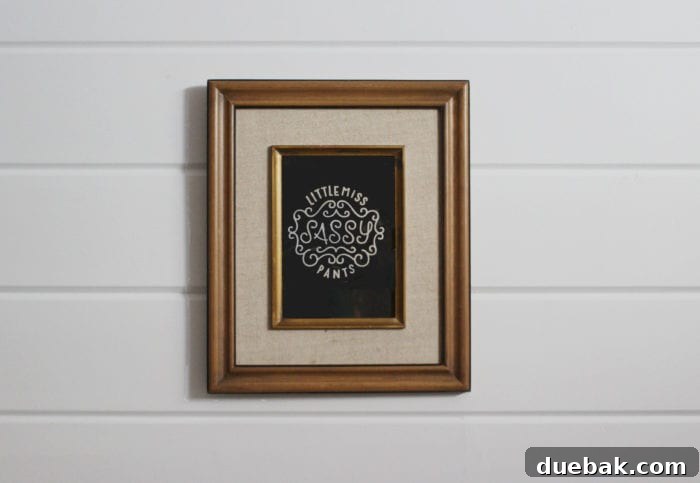
For instance, the metallic pen on black cardstock creates a particularly striking and elegant effect, reminiscent of sophisticated foil prints. Imagine a shimmering gold or silver ink illuminating a dark background – it looks absolutely amazing and adds an immediate touch of luxury to your decor. For such bold statements, I highly recommend using the thicker Cricut pens. Their broader tips provide fuller coverage and create a more impactful, lustrous finish that truly stands out against darker materials.
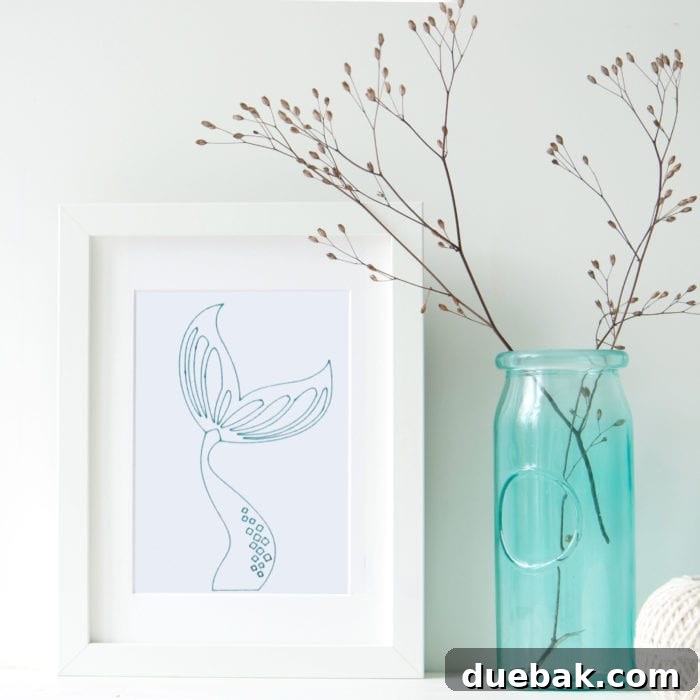
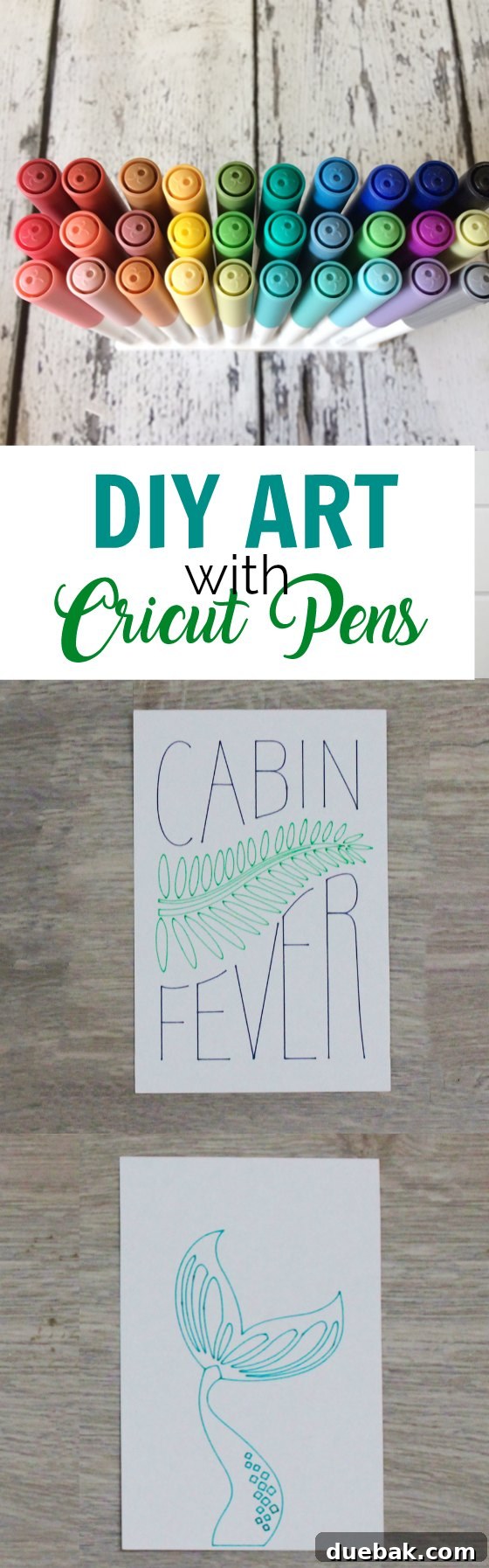
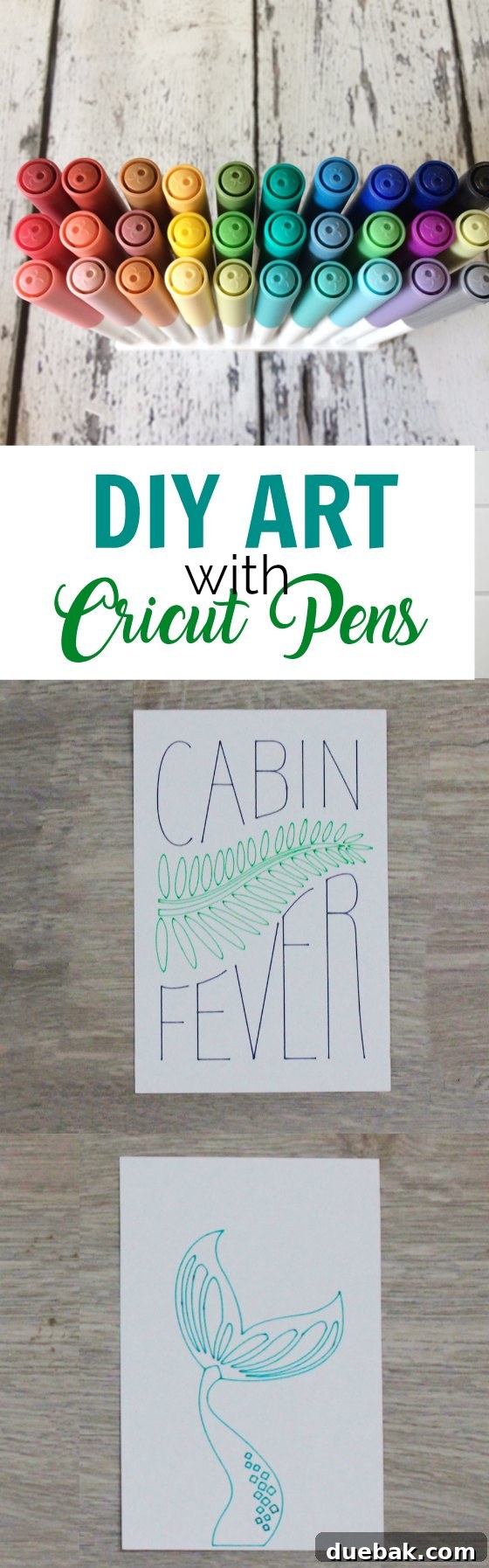
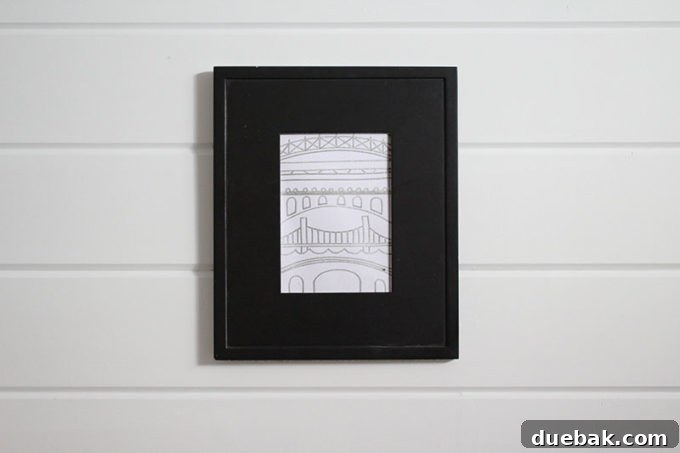
Conversely, for designs that demand intricate detail, delicate lines, or a more subtle aesthetic, fine-tip pens are your best friend. The mermaid tail print shown below beautifully illustrates the difference a pen tip can make. Created with a fine-tip pen, it captures delicate textures and precise contours, showcasing the ability of thinner pens to render elaborate designs with clarity and elegance. This contrast highlights the versatility of Cricut pens, allowing you to choose the perfect tool for every nuance of your artwork.
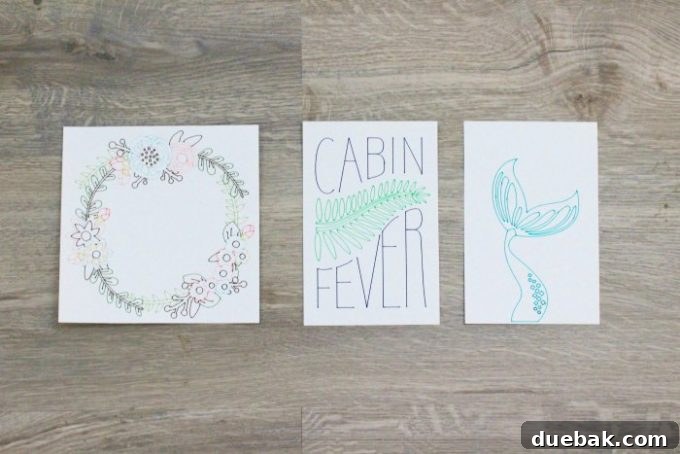
Beyond metallic and fine-tip pens, Cricut offers gel pens for vibrant, smooth finishes, glitter pens for dazzling sparkle, and calligraphy pens for elegant hand-lettered effects. Consider how different pen colors will interact with various cardstock hues. A pastel gel pen on light gray cardstock can create a soft, ethereal look, while a neon pen on white cardstock screams modern and playful. Don’t be afraid to experiment with combinations to discover unique and compelling styles that truly express your personal flair. Your Cricut Explore Air is not just a tool; it’s a gateway to boundless artistic exploration.
Unleash Your Inner Artist: Beyond the Basic Prints
Creating framed art with Cricut pens is just the beginning of what you can achieve. Once you master the basic drawing technique, you’ll find countless ways to incorporate this skill into various aspects of your life and home decor. Imagine personalized greeting cards that feature intricate hand-drawn details, custom labels for your pantry or craft supplies, or unique invitations for special events, all designed and drawn by you using your Cricut.
Consider creating a gallery wall filled with a collection of your own drawn art. Mix and match different styles, colors, and pen types to create a dynamic and visually interesting display. Seasonal decor is another fantastic avenue for Cricut pen art. Craft festive holiday prints, charming spring motifs, or spooky Halloween designs that can be easily swapped out as the seasons change, keeping your home feeling fresh and inviting.
The beauty of the Cricut community is also a tremendous source of inspiration. Many designers share free cut and draw files, and online forums are brimming with ideas and tips. Don’t hesitate to explore these resources for fresh perspectives and new techniques. Your Cricut Explore Air is an investment in your creativity, offering a powerful platform to express yourself through custom, handcrafted items.
Conclusion: Your Home, Your Art, Your Cricut
The ability to create beautiful, custom artwork for your home is an incredibly rewarding experience, and the Cricut Explore Air makes it accessible to everyone. From selecting the perfect design in Design Space to loading your materials and watching your machine draw with precision, each step of the process is designed for ease and enjoyment. Say goodbye to generic store-bought prints and hello to a home filled with art that truly speaks to your individual style and personality.
Whether you’re decorating a nursery, adding flair to a living room, or gifting a unique piece to a loved one, your Cricut Explore Air and a set of versatile Cricut pens are all you need to transform ordinary cardstock into extraordinary works of art. So, gather your materials, fire up Design Space, and start drawing your way to a more personalized and beautiful home today!
Looking for more inspiration and creative ideas from fellow crafters? Explore these amazing projects:
PMQ for two // Hello Creative Family // Lemon Thistle // BrooklynBerry Designs // Woman In Real Life // The Learner Observer // Love Create Celebrate