
Are you curious about sublimation but don’t know where to start? Have you been wondering what essential supplies you need to begin your sublimation journey? Look no further! This comprehensive guide is designed specifically for beginners, answering all your burning questions and setting you on the path to creating stunning, durable, and professional-quality projects with dye-sublimation. Get ready to unlock a world of vibrant possibilities!

Sublimation for Beginners: Your Ultimate Guide
Embarking on a new crafting adventure can be both exciting and a little overwhelming, especially when it comes to a technique as versatile and rewarding as sublimation. Many crafters, myself included, often dip their toes into this world through products like Cricut Infusible Ink, which offers a fantastic introduction to the core principles of sublimation transfer. While Infusible Ink is a great starting point, understanding the broader world of sublimation opens up endless creative possibilities. Let’s demystify this fascinating process and equip you with the knowledge to start creating.
What Exactly is Sublimation Printing?
At its core, sublimation is a sophisticated chemical process that transforms solid ink into a gaseous state without ever becoming liquid. This unique characteristic allows the ink to permanently fuse into the fibers of a compatible material. Unlike other decorating methods that sit on top of a surface, sublimation ink becomes an integral part of the item itself, resulting in an incredibly durable and seamless finish.
The Science Behind the Sublimation Process
The magic of sublimation happens under the influence of high heat and pressure, typically applied by a specialized heat press. Here’s a breakdown of the steps:
- Printing the Design: Your chosen design is first printed onto a special sublimation paper using specific sublimation inks. These inks contain unique dyes that are sensitive to heat.
- Applying Heat and Pressure: The printed sublimation paper is then placed in direct contact with your blank item. When the heat press applies intense heat (usually between 380-400°F or 193-204°C) and consistent pressure, the sublimation inks on the paper transition directly from a solid state into a gas.
- Infusion into Material: Simultaneously, the heat causes the pores of the polyester fibers (or poly-coating on non-fabric items) to open up. The gaseous ink then penetrates these open pores, embedding itself deep within the material’s structure.
- Permanent Bonding: As the item cools down and the pressure is released, the pores of the material close, trapping the now-solidified ink particles inside. This creates a permanent, vibrant, and incredibly durable bond that is resistant to fading, cracking, peeling, or washing out.
This permanent infusion is a significant advantage over methods like heat transfer vinyl (HTV) or screen printing, where the design sits on top of the fabric. With sublimation, the final product boasts a smooth finish with no detectable “hand” or texture, making it feel just like the original blank item.
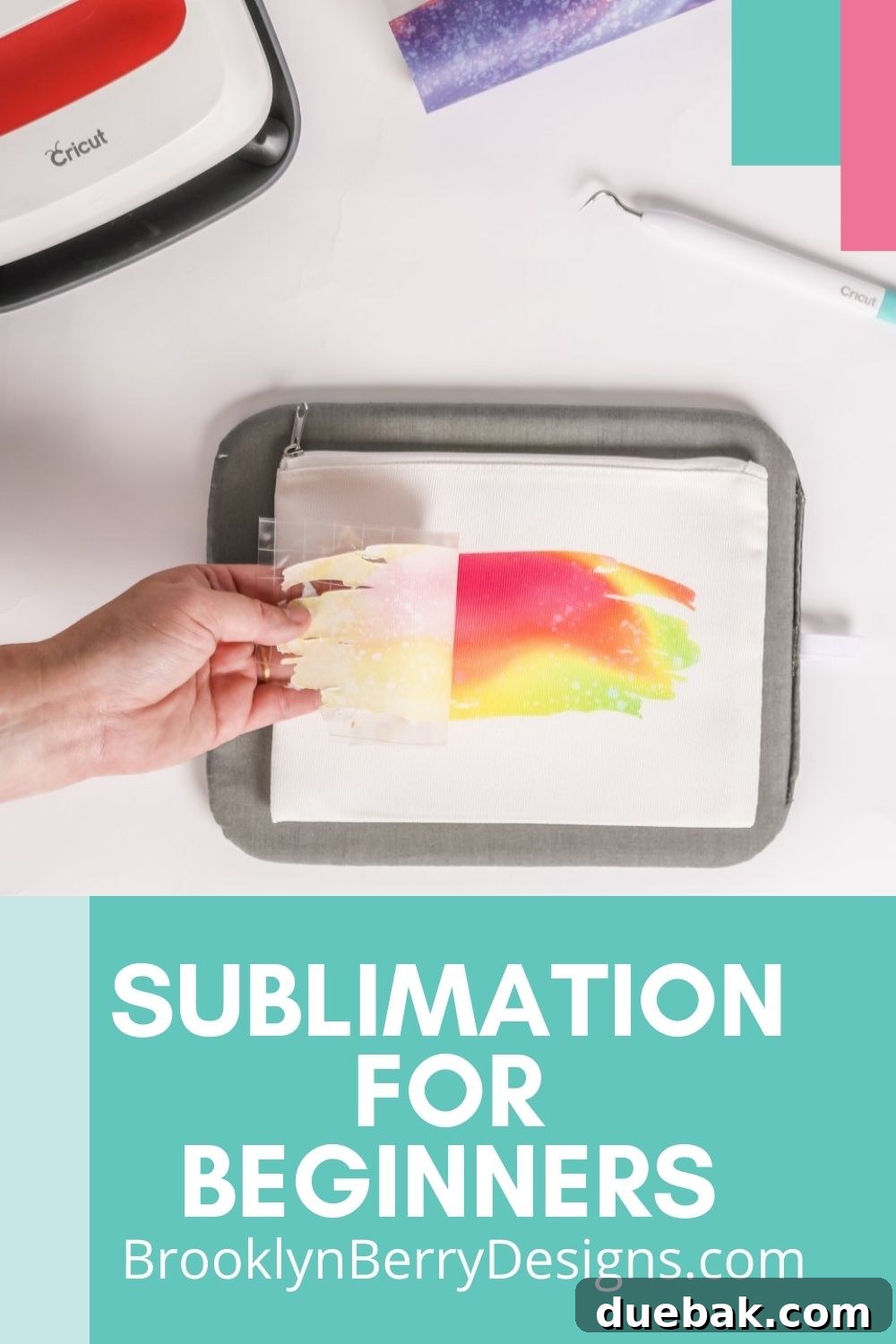
Getting Started: A Step-by-Step Guide to Sublimation
Ready to create your first sublimation project? Follow these essential steps for a successful transfer:
1. Prepare Your Design and Print
Your sublimation journey begins with a captivating design. You can source these in several ways:
- Pre-Made Transfers: Purchase ready-to-press sublimation transfers from various online shops, often found on platforms like Etsy. These are convenient for those without a sublimation printer.
- Cricut Infusible Ink Sheets: If you have a Cricut cutting machine, you can cut designs from patterned Infusible Ink sheets.
- Print Your Own: For maximum flexibility, print your custom designs using a dedicated sublimation printer and sublimation ink onto specialized sublimation paper. Remember to mirror your image before printing, as it will be flipped during the transfer process.
2. Prepare Your Sublimation Blank
Once you have your printed design, turn your attention to the blank item you’ll be sublimating on. Proper preparation is key to a flawless result:
- Lint Rolling: Always use a lint roller to remove any tiny dust particles, fibers, or debris from your blank. Even the smallest piece of lint can sublimate onto your item, leaving a blue mark known as “ghosting.”
- Pre-Pressing (for fabrics): For fabric blanks like t-shirts, a quick pre-press for 5-10 seconds helps remove any moisture and wrinkles. This ensures a smooth surface for transfer and helps prevent future moisture-related issues.
3. Secure Your Design
Position your printed design precisely onto your blank item. It’s crucial that the design remains perfectly still during the entire pressing process. Use heat-resistant tape to secure the sublimation paper to your blank. This prevents “ghosting” – a blurry double image that can occur if the paper shifts.
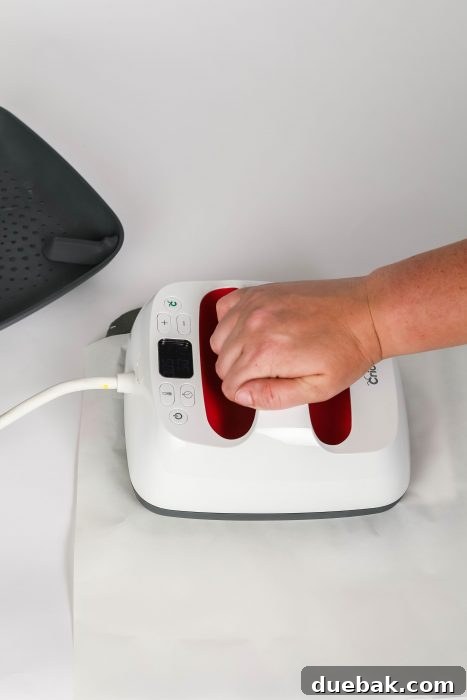
4. Protect Your Press and Project
Sublimation inks are designed to transfer permanently, so protecting your heat press and ensuring a clean transfer is vital:
- Butcher Paper or Blowout Paper: Place a layer of plain, uncoated butcher paper (often called blowout paper) both inside (for fabrics) and on top of your blank item. This prevents any excess ink that might “blow out” from the edges of your design from staining your heat press platen or other parts of your blank.
- Teflon Sheet (optional): Some crafters also use a Teflon sheet on top of the butcher paper for an extra layer of protection, especially for non-fabric items, though butcher paper is generally sufficient for preventing ink transfer to the press.
5. Heat Press Your Project
Preheat your heat press (whether it’s a traditional clamshell press, a swing-away, or a Cricut Easy Press) to the specific temperature and time required for your blank item. These settings will vary significantly depending on the material you are sublimating. Sublimation typically requires much higher temperatures and longer pressing times compared to heat transfer vinyl – this is perfectly normal and necessary for the inks to fully gas and infuse into the material. Consult the blank manufacturer’s recommendations or reliable sublimation charts for precise settings.
6. The Reveal!
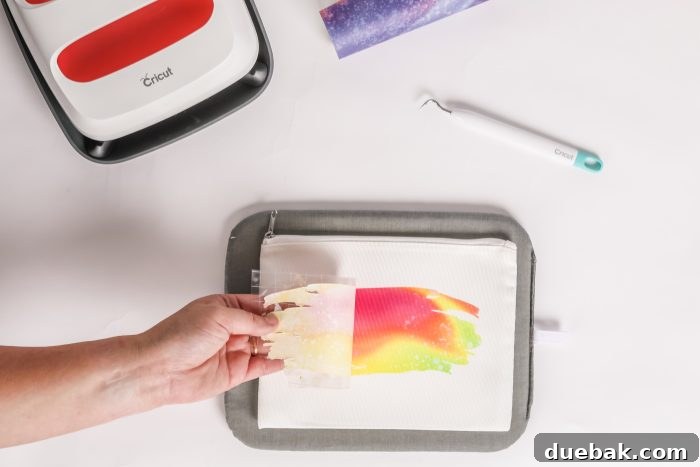
Once the timer goes off, carefully open your heat press. Using heat-resistant gloves, quickly and smoothly remove the sublimation paper from your blank. Peeling it off slowly can sometimes lead to ghosting. Be amazed at the vibrant, permanent design infused into your item! Allow the item to cool completely before handling or using it.
What Are The Key Advantages of Sublimation?
Sublimation stands out from other crafting techniques due to several compelling benefits that contribute to superior quality and endless creative freedom:
- Unmatched Durability: This is arguably the biggest advantage. Because the ink is infused into the material, sublimation designs will not crack, peel, fade, or wash away, even after numerous cycles in the washing machine or dishwasher (for mugs). The design is as durable as the item itself.
- Vibrant, Photo-Quality Prints: Sublimation excels at producing incredibly colorful, detailed, and high-resolution designs. You can achieve smooth gradients, intricate patterns, and even photographic images with stunning clarity and color accuracy. There are no limitations on color count.
- Smooth, Seamless Finish (“No Hand”): The design becomes part of the product, meaning there’s no raised texture or “hand” to the print. This results in a professional, high-end feel, making sublimated garments more comfortable to wear and items like mugs smooth to the touch.
- Intricate Designs Without Weeding: Unlike HTV, which requires tedious weeding of intricate designs, sublimation prints the entire image at once. This saves significant time and allows for much more complex and detailed artwork.
- Resistance to Fading: Sublimation inks are highly resistant to UV rays and environmental factors, ensuring your designs remain vibrant for a long time without fading.
- Versatility: While it requires polyester, the range of compatible blanks is vast, from apparel and accessories to hard goods like ceramics, metals, and woods with a poly-coating.
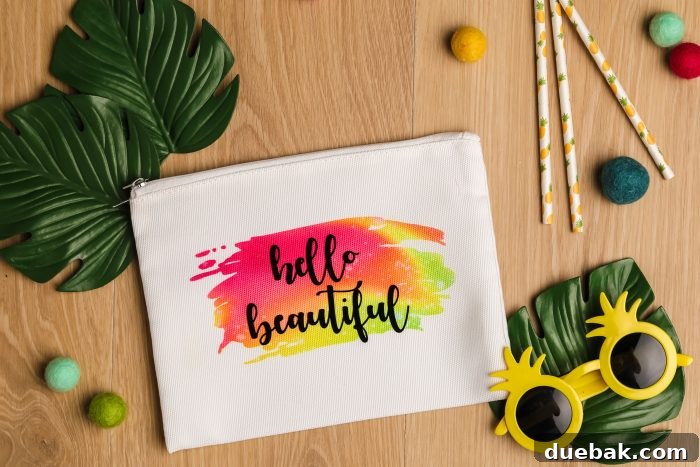
What Materials Can You Sublimate On? Understanding Sublimation Blanks
One of the most crucial aspects of successful sublimation is choosing the right blank materials. Sublimation ink requires polyester fibers to bond with permanently. Here’s what you need to know:
- Polyester Fabrics: For apparel and soft goods, aim for items with a high polyester count. 100% polyester yields the most vibrant and true-to-color results. While you can sublimate on polyester blends, the higher the percentage of polyester, the more vibrant and durable your design will be. A general recommendation for good results is at least 65% polyester, but 80% or higher is often preferred for best vibrancy. Sublimating on cotton will result in a faded, vintage look that washes out over time, as the sublimation ink cannot permanently bond to cotton fibers.
- Poly-Coated Non-Fabric Items: For rigid items like mugs, keychains, metal panels, wood, slate, and phone cases, you’ll need “sublimation blanks” that come with a special polyester coating. This coating acts as the receptor for the sublimation ink, just like polyester fabric. When purchasing hard goods for sublimation, always ensure they are explicitly marked as “for dye-sublimation printing” or “sublimation ready” to guarantee they have this essential coating. Angie from The Country Chic Cottage offers extensive testing and sublimation blank recommendations, a great resource for beginners.
Common sublimation blanks include:
- T-shirts, hoodies, tank tops
- Tote bags, makeup bags
- Mugs, tumblers, water bottles
- Phone cases, mousepads
- Keychains, coasters, puzzles
- Metal signs, slate plaques
Essential Supplies for Sublimation Beginners
To dive into sublimation, you’ll need a few key pieces of equipment and consumables. Here’s a checklist:
- Sublimation Printer: This is the heart of your operation. You have two main options:
- Dedicated Sublimation Printer: Brands like Sawgrass offer printers specifically designed for sublimation, providing excellent results and integrated software.
- Converted Inkjet Printer: Many beginners opt to convert an Epson EcoTank printer (or similar inkjet printer with refillable tanks) by filling it with sublimation ink from the start. This is a cost-effective entry point.
- Sublimation Ink: This specialized ink contains disperse dyes that convert to gas under heat. Never use regular inkjet ink in a sublimation printer or vice versa.
- Sublimation Paper: This unique paper is designed to hold the sublimation ink on its surface and then release it efficiently and completely when heated. Regular printer paper will not work.
- Heat Press: A critical piece of equipment that provides consistent high heat and pressure. Options include:
- Clamshell Heat Press: Common for flat items like t-shirts.
- Swing-Away Heat Press: Offers more even pressure and is safer to load.
- Mug Press: Specifically designed for sublimating on cylindrical items like mugs and tumblers.
- Cricut EasyPress: A portable option suitable for smaller projects and fabric items, offering a good entry point for crafters.
- Heat-Resistant Tape: Essential for securing your design to prevent shifting and ghosting.
- Butcher Paper (Blowout Paper): Unwaxed, uncoated paper used to protect your heat press from stray ink and prevent “blowout” onto other areas of your blank.
- Lint Roller: For meticulously cleaning blanks before pressing to avoid unwanted specs in your design.
- Heat-Resistant Gloves: To safely handle hot items immediately after pressing.
- Design Software: Programs like Adobe Photoshop, Illustrator, Affinity Designer, GIMP (free), or even Canva can be used to create or modify your sublimation designs.
Different Options to Use Dye-Sublimation
There are several pathways to incorporate dye-sublimation into your crafting, catering to different budgets and skill levels:
- Buy Ready-Made Sublimation Prints: This is the simplest entry point. You can purchase sheets of special transfer paper that already have a design printed with sublimation ink. These “ready-to-press” transfers are widely available and affordable, especially on marketplaces like Etsy. This option eliminates the need for a sublimation printer initially.
- Use Patterned Sublimation Sheets with a Cutting Machine: If you own a Cricut, Silhouette, or similar vinyl cutting machine, you can use patterned Cricut Infusible Ink sheets or other brands of pre-printed sublimation transfer paper. You can cut any typical SVG file from your own designs or from libraries like Cricut Design Space. This offers more design flexibility than ready-made prints without needing a sublimation printer.
- Print Your Own Sublimation Designs with a Sublimation Printer: This option provides the ultimate creative control and is ideal for those looking to create unique designs, personalize items extensively, or start a small business. It requires an initial investment in a sublimation printer, sublimation ink, and sublimation paper.
Printing Your Own Sublimation Designs: Diving Deeper into Printers
For those serious about sublimation, especially if you envision it becoming a small business, owning your own sublimation printer is a game-changer.
Dedicated Sublimation Printers (e.g., Sawgrass)
Printers like the Sawgrass Virtuoso series are purpose-built for sublimation. They come with pre-filled sublimation inks, integrated color management software (like CreativeStudio), and a manufacturer’s warranty that covers sublimation use. While they are typically more expensive upfront, they offer a seamless, user-friendly experience right out of the box and are widely considered the best option for professional-grade sublimation and high-volume production. They are a significant investment, best suited for those committed to a full-time sublimation business.
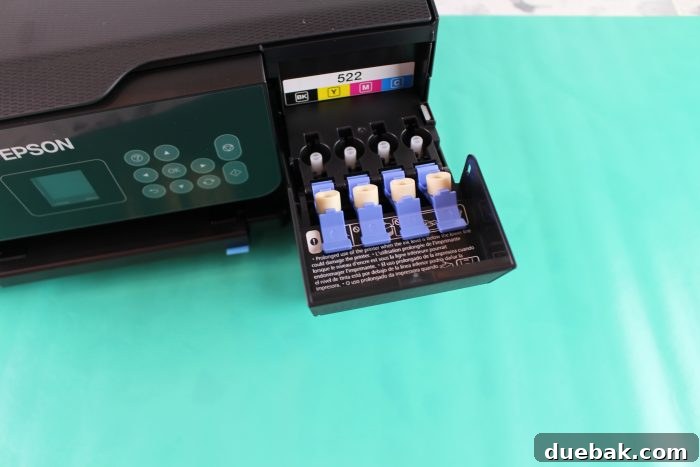
Converting Inkjet Printers for Sublimation (e.g., Epson EcoTank)
A very popular and more budget-friendly approach for beginners is to convert a standard inkjet printer, specifically models with refillable ink tanks like the Epson EcoTank series. This involves purchasing a new EcoTank printer and, crucially, filling its tanks *only* with sublimation ink from the very first setup. You absolutely cannot use regular printer ink in the printer before or after adding sublimation ink; once it’s a sublimation printer, it stays a sublimation printer.
This method offers a significantly lower initial cost and good print quality, making it an excellent choice for hobbyists or those starting a small business with limited startup capital. Be aware that converting an inkjet printer typically voids its manufacturer’s warranty. However, many online communities and tutorials offer robust support for this conversion process.
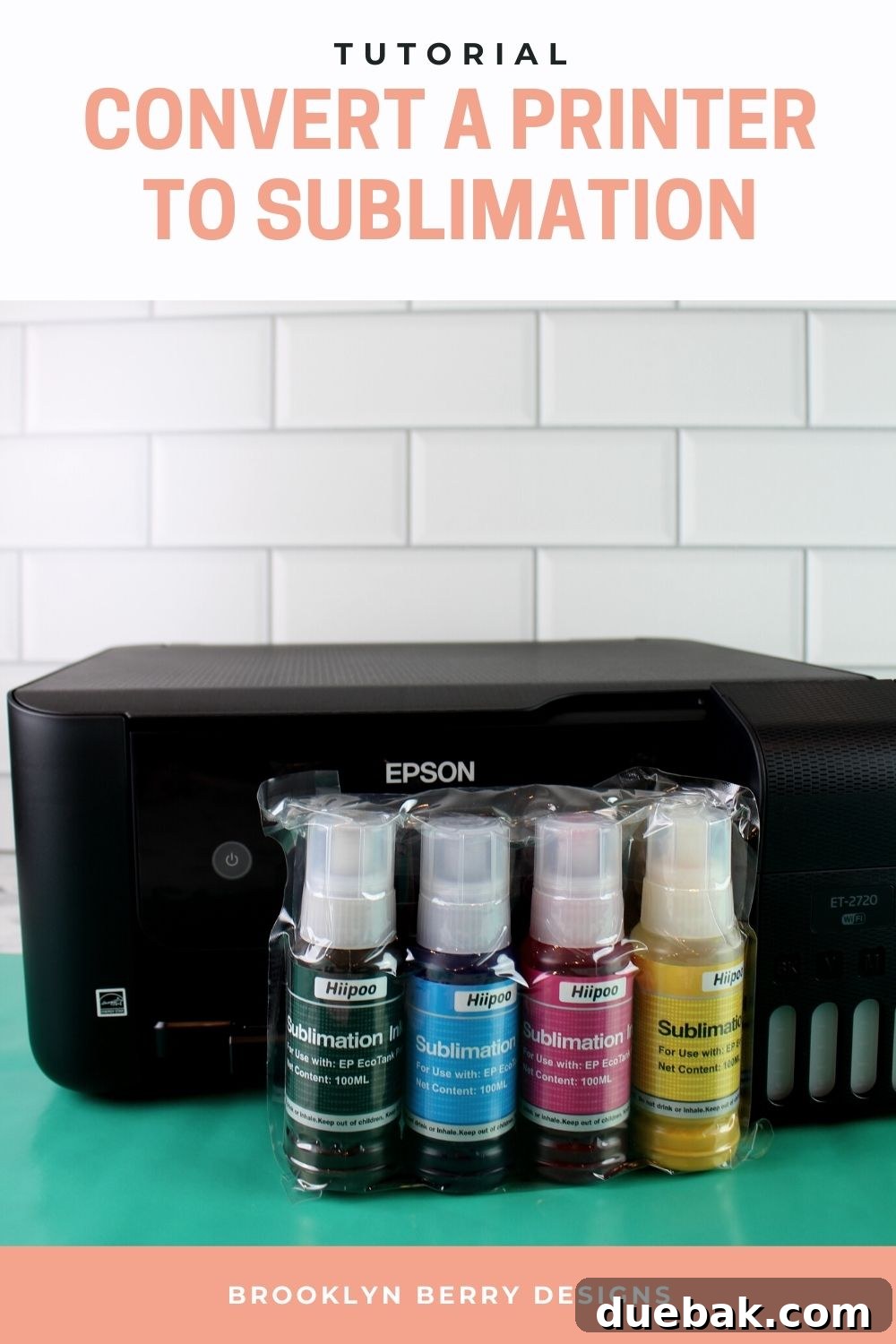
Learn how to convert Epson EcoTank printers to sublimation with our detailed step-by-step tutorial.
Tips for Successful Sublimation Projects
To ensure your sublimation projects turn out perfectly every time, keep these expert tips in mind:
- Always Mirror Your Image: Unless specified otherwise (e.g., some specific hard blanks), your design needs to be mirrored or flipped horizontally before printing so that it appears correctly once transferred.
- Use the Right Settings: Temperature, time, and pressure are critical. Always consult the manufacturer’s recommendations for your specific blank and ink. Small adjustments can make a big difference.
- Keep it Clean: Lint roll every fabric blank, and wipe down hard blanks to remove any dust or fingerprints. Tiny imperfections can become permanent.
- Adequate Protection: Use enough butcher paper both inside your fabric blanks (to prevent ink from bleeding to the back) and on top of your design (to protect your heat press).
- Prevent Ghosting: Secure your design firmly with heat-resistant tape and remove the transfer paper quickly and smoothly after pressing.
- Ventilation: While not as strong as some other crafting fumes, ensure good ventilation when pressing, as some inks can release odors.
- Color Profiles: If printing your own designs, consider installing ICC color profiles for your specific printer and ink combination. This helps ensure accurate color reproduction.
- Practice Makes Perfect: Don’t be afraid to experiment with less expensive blanks or scrap materials to dial in your settings before tackling a big project.
Sublimation vs. Heat Transfer Vinyl (HTV) vs. Infusible Ink: Which to Choose?
It’s common for beginners to wonder how sublimation compares to other popular customization methods:
- Sublimation: Best for vibrant, detailed, photo-quality, and incredibly durable designs on light-colored polyester or poly-coated items. The ink is infused into the material, leaving no feel. Excellent for professional results and washability.
- Heat Transfer Vinyl (HTV): Ideal for opaque, solid color designs on a wide variety of fabric types (cotton, blends, polyester) and colors. HTV sits on top of the fabric, creating a slight texture or “hand.” Great for bold graphics, lettering, and items that don’t need to be 100% breathable. Limited in color gradients and intricate detail compared to sublimation, and designs can crack or peel over time.
- Cricut Infusible Ink: This is essentially a simplified, beginner-friendly version of sublimation offered by Cricut. It comes in pre-printed sheets or pens and works similarly to sublimation by infusing into compatible Cricut blanks (which are poly-coated). It’s a fantastic way to experience the benefits of sublimation without investing in a full printer setup, but offers less design freedom than a dedicated sublimation printer.
Choosing the right method depends on your project, desired look, and the material you’re working with. For ultimate durability, vibrancy, and a seamless finish, sublimation is often the superior choice for compatible materials.
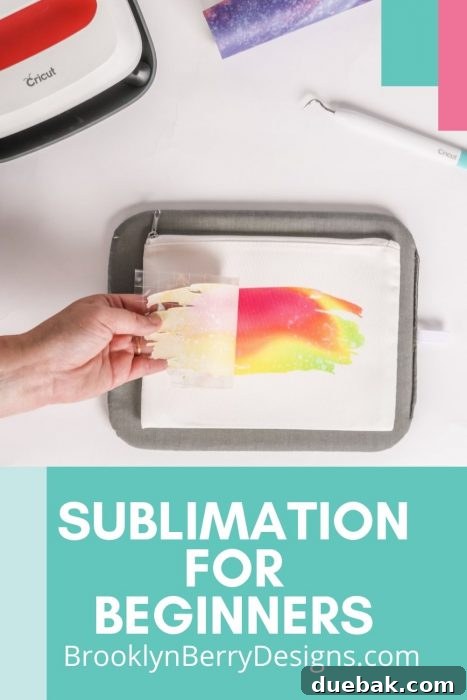
Pin this guide for later so you can refer back to it as you begin your sublimation crafting journey!

With this comprehensive guide, you now have a solid foundation for understanding sublimation and the confidence to begin your own projects. It’s a rewarding craft that allows for incredible creativity and produces truly professional results. Don’t hesitate to experiment and explore the endless possibilities!
Design Space Tutorials
- Best Cricut Fonts
- How to Upload Your Own Images
- How To Upload An SVG File
- Slice Tool Tutorial
- My Favorite Cricut Tools & Accessories
Vinyl Tutorials
- Ultimate Vinyl Guide – Basics on Vinyl Types and When to Use What
- Where to Get the Best Price Craft Vinyl in Canada
Iron-On Vinyl Tutorials
- Can I Put Iron-On Vinyl On That?
- All About The Cricut EasyPress 2