
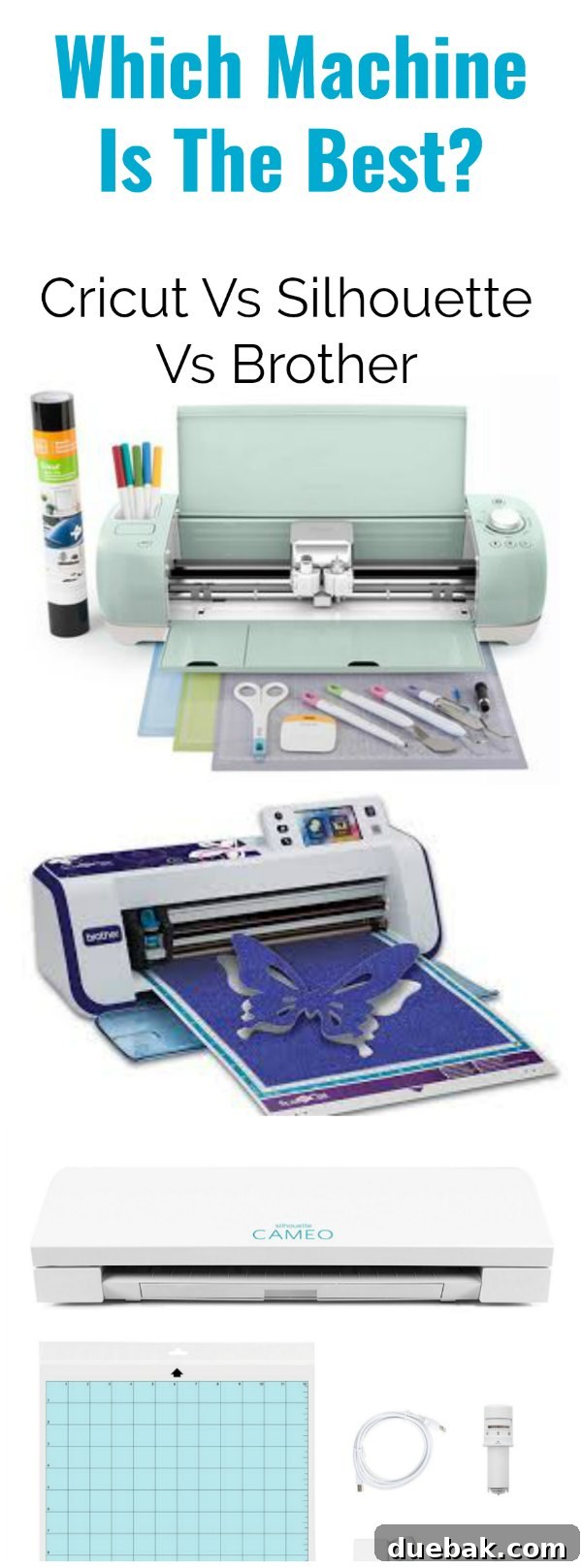
Cricut vs. Silhouette vs. Brother Scan N Cut: Finding Your Perfect Craft Cutting Machine
Embarking on the exciting journey of crafting often leads to the question: “Which machine is the best to cut vinyl and other materials?” With numerous powerful cutting machines available on the market, each promising to transform your creative visions into reality, making an informed decision can feel overwhelming. These smart cutting machines, while significantly more affordable than their commercial counterparts, still represent a considerable investment (often around $300 for a machine and starter kit). Therefore, conducting thorough research before you buy is absolutely essential to ensure you pick the tool that best fits your crafting style and needs.
This comprehensive guide is part of a series dedicated to answering your most frequently asked questions about Cricut machines and other popular craft cutters. We’ll delve into the nuances of each system, helping you understand their strengths and weaknesses. If, after reading, you still have lingering questions, don’t hesitate to reach out via email or social media, and I’ll be happy to assist.
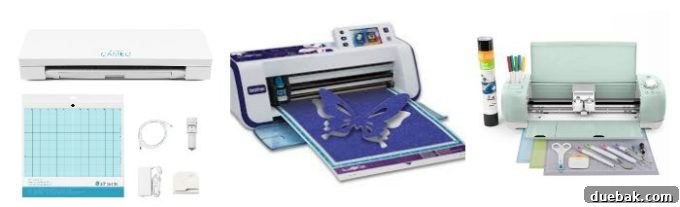
My personal journey into the world of digital cutting began years ago when I was gifted both a Silhouette Cameo and a Cricut Explore. Initially, both machines sat untouched in their boxes, simply because I found the prospect of learning to use them quite intimidating. Eventually, I decided to start with the Cricut Explore, primarily because more of my friends owned one, and I figured their collective experience would be an invaluable resource for troubleshooting and learning.
Cricut vs. Silhouette: A Head-to-Head Comparison for Crafters
When it comes to the two giants in the personal cutting machine space, Cricut and Silhouette, crafters often find themselves at a crossroads. Many experienced bloggers and crafters who have extensively used both machines tend to agree on a few key distinctions. Generally, the Cricut Explore machine series is often lauded for its superior cutting precision, especially when it comes to intricate designs and tiny, smooth cuts. This precision is a significant advantage for projects requiring fine details, such as delicate vinyl decals or elaborate papercrafts.
On the other hand, if your primary goal is to design everything from scratch within a single, robust software program, the Silhouette Studio program is frequently cited as the more powerful and comprehensive option for advanced designers. However, it’s important to note that Cricut Design Space, while having a different design philosophy, is incredibly user-friendly and excels at incorporating design features from other third-party programs by simply uploading files saved in a .svg format. This flexibility makes it an excellent choice for those who already use professional design software like Adobe Illustrator or Affinity Designer.
Software Showdown: Cricut Design Space, Silhouette Studio, and Brother CanvasWorkspace
The software experience is a critical factor in choosing your ideal cutting machine, as it dictates how you design, prepare, and manage your projects. Each brand offers a distinct approach:
Silhouette Studio Software – Offline Design Freedom
Silhouette utilizes the Silhouette Studio program, which is installed directly onto your computer. This offline installation means you can design your projects anywhere, whether you’re connected to the internet or not, using only a laptop or desktop. Silhouette Studio is renowned for its powerful design tools, allowing users to curve text, create complex graphics, and manipulate shapes all within one comprehensive program. For graphic designers or those who prefer to have complete control over every design aspect and desire a robust, standalone design suite without an internet connection, this software often stands out as the best option.
Cricut Design Space – Cloud-Based Creativity
In contrast, Cricut Design Space is primarily an online software platform, though it does offer offline capabilities for saved projects. All your projects are saved to the cloud, providing unparalleled flexibility. This cloud integration allows you to design on a wide range of devices, including your iPad or smartphone, using the dedicated Cricut Design app. You can seamlessly start a project on your desktop, save it, and then open and continue working on it from your phone, iPad, or laptop, ensuring all your saved projects are accessible from anywhere. For designers who already work with Adobe products or other third-party design software and frequently use SVG files, Cricut Design Space is often the preferred choice due to its ease of importing external designs and its intuitive, streamlined interface.
Brother Scan N Cut CanvasWorkspace – Integrated Scanning and Standalone Functionality
The Brother Scan N Cut 2 offers a unique proposition as a standalone machine. Unlike Cricut and Silhouette, it doesn’t strictly require a continuous connection to a computer. Instead, it features its own built-in touchscreen display and, most notably, an integrated scanner. This scanner is a game-changer for many crafters, especially those who work with stamps, hand-drawn designs, or fabric patterns. You can place any document or design on the scanning mat, and the machine will scan it in and then precisely cut out the shape of that design. This “scan-to-cut” feature is a pretty cool option for paper crafters, quilters, and artists who want to digitize and cut unique elements without needing to recreate them in a separate software program.
Technical Comparisons and Expert Insights
When I first ventured into the world of cutting machines, I spent considerable time watching YouTube videos that offered detailed, technical comparisons between the various options. I found the videos from Kens Kreations to be particularly unbiased and incredibly helpful in breaking down the intricacies of each machine. His comparisons truly illuminated the subtle differences that can significantly impact a crafter’s experience. In fact, I recently had the pleasure of meeting Ken at a craft event, and mid-conversation, I remembered his fantastic comparison videos. I must confess, I may have “fan-girled” a bit, and I even had the opportunity to help film one of his YouTube live sessions!
While the original technical videos delve deep into specifics like motor strength, blade types, and sensor capabilities, the core takeaway often aligns with the general consensus: each machine has its unique engineering strengths designed to cater to different user priorities. Ken’s work, which I highly recommend, provides an invaluable resource for those who want to dive deeper into the technical specifications and see these machines in action.
In Summary: Making Your Choice for the Best Vinyl Cutter and Craft Machine
After extensively using and researching various cutting machines, my personal conclusion is that each machine offers distinct benefits, making the “best” choice highly dependent on your individual crafting needs, preferred materials, and design workflow. However, if I were to recommend an overall top contender for a wide range of crafters, the Cricut Explore family of machines (specifically, I frequently use the Explore Air and Explore Air 2) stands out as an exceptional all-rounder.
Beyond its robust functionality, the Cricut Explore boasts an aesthetic that reminds me of an Apple product – sleek, modern, and user-friendly in its design. I am definitely a sucker for great product design, and Cricut delivers on that front. The machine itself is incredibly well-thought-out, featuring smart storage capabilities, including a convenient side cup for tools and a hidden compartment within the tray for extra pens, cutting blades, and even a magnet to keep smaller accessories securely in place. This attention to detail significantly enhances the user experience, keeping your workspace tidy and essential tools within reach.
The software, Cricut Design Space, is remarkably easy to learn and use, even for beginners, and offers straightforward functionality for uploading your own images and designs. The accessibility of accessories and materials is also a significant advantage; I particularly recommend purchasing directly from Cricut rather than other retailers like Michaels (at least for us Canadians), as the price, even with shipping, is often significantly lower. For its exceptional blend of user-friendliness, cutting precision, design flexibility, and overall value, the Cricut Explore remains my top choice for a “bang for your buck” machine, consistently delivering high-quality results across diverse projects.
To further aid your decision-making process, I highly recommend checking out Ken’s comprehensive comparison video here:
Where to Buy: Pricing and Availability
For the most up-to-date pricing on each of these cutting machines, their essential accessories, and a wide array of crafting materials, Amazon is an excellent resource. Their competitive pricing, wide selection, and customer reviews can help you find the best deals and ensure you have all the necessary supplies to kickstart your creative projects.
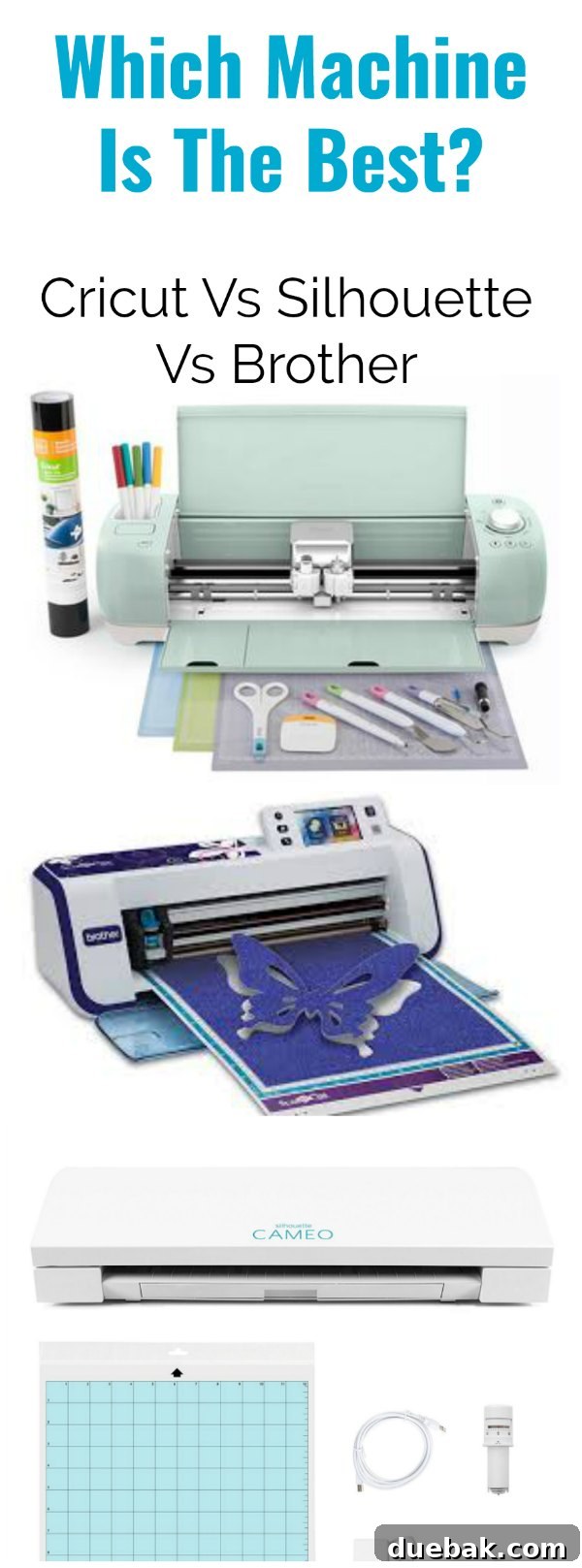
Further Reading: Insights from Other Crafters
To provide a well-rounded perspective, here are additional valuable resources from other passionate crafters and bloggers who have shared their experiences and comparisons of these popular machines:
Comparing the Explore Air 2 & the Cameo 3 – PMQ for two
Why I switched to the Cricut Explore – My Mom Made That
Why I love my Cricut Explore – Crafting In The Rain
Why I replaced My Silhouette Cameo with a Cricut Explore Air – The Quiet Grove
Silhouette Cameo Vs. Cricut Explore Air – It Happens In A Blink
Why I gave away my Silhouette for the Cricut Explore – Lia Griffith